Biometric vs Geofenced Attendance Tracking: Which Is Better for Your Workforce?
Biometric attendance proves who clocked in. Geofenced attendance proves where they clocked in. Pick based on workforce type, fraud risk, privacy burden, and payroll workflow.
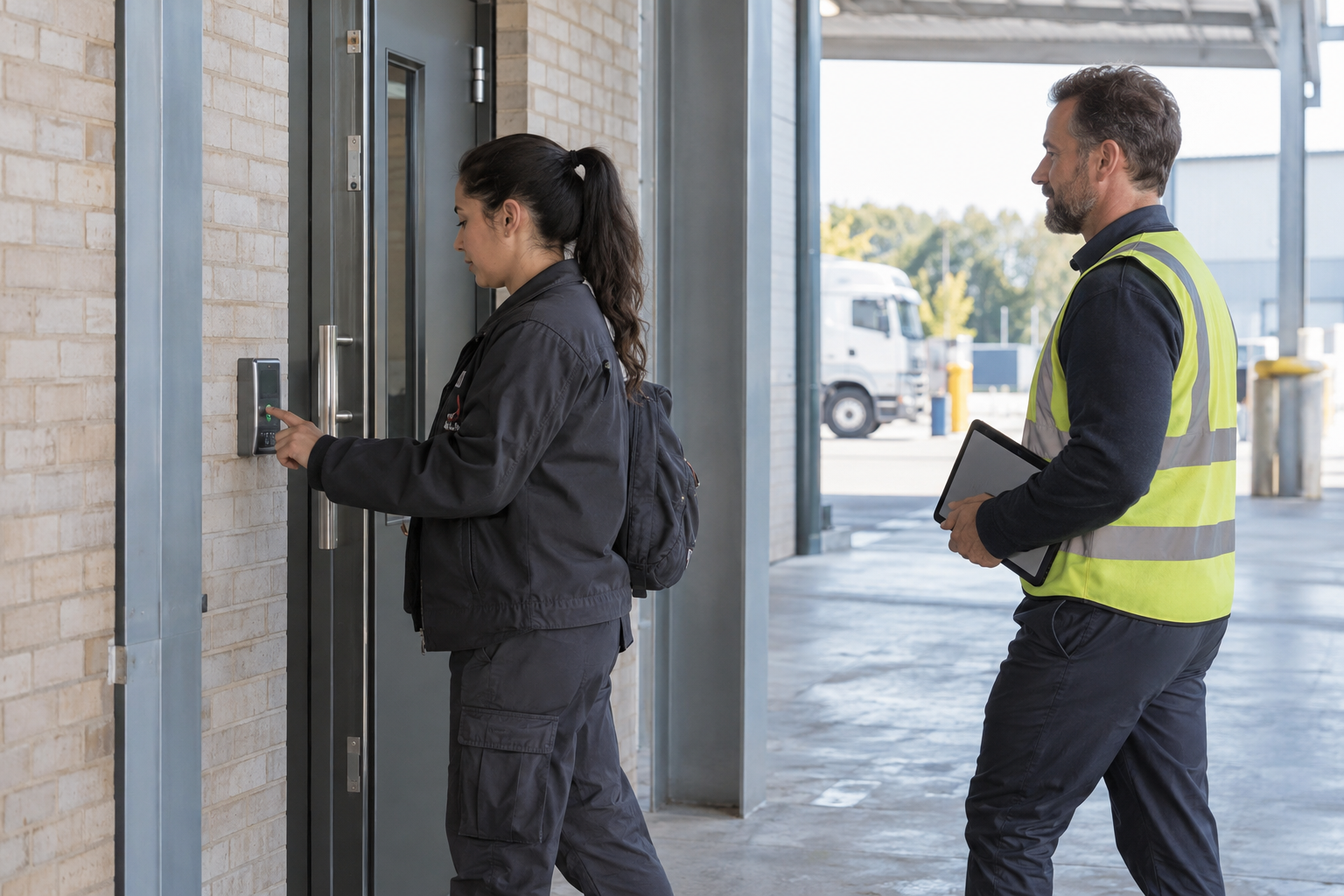
Biometric vs geofenced attendance tracking at a glance
The cleanest way to compare these employee attendance tracking methods is to separate identity from location. A LinkedIn Pulse guide on biometric and geofencing attendance describes biometric systems as identity verification through unique human characteristics, while Jibble and Bioqube describe geofencing attendance as location control inside authorized work areas. Biometric attendance answers, Is this the right person? Geofenced attendance answers, Is this person at the right place? Bad buying decisions usually start when a company buys one answer while needing the other.
| Decision factor | Biometric attendance | Geofenced attendance | Hybrid setup |
|---|---|---|---|
| Primary proof | Who clocked in | Where clock-in happened | Who clocked in and where |
| Common methods | Fingerprint, facial recognition, iris scanning | GPS, Wi-Fi, cellular data, RFID, mobile-device location | Biometric scan plus location boundary |
| Best fit | Offices, factories, and other fixed sites | Field teams, sales, delivery, service technicians, branches, client sites | High-control sites or regulated operations that need both checks |
| Main fraud problem addressed | Buddy punching and proxy attendance | Unauthorized clock-ins outside approved locations | Both identity fraud and location fraud |
| Employee friction | Biometric enrollment and comfort with body-based identifiers | Phone permissions, location accuracy, and off-hours tracking concerns | Highest policy burden because both data types are involved |
| Hardware and rollout effort | Scanners, kiosks, cameras, or controlled attendance points | Mobile app or device location plus configured work zones | Both device planning and geofence administration |
| Weak spot | Does not prove the employee is at the right client site unless paired with location | Does not prove identity as strongly unless paired with biometric, PIN, or another identity step | Can be more than the business needs if the risk is simple |
That Jibble-reported growth shows buying interest. It is not a benchmark to copy. Your benchmark is less glamorous and more useful: fewer incorrect time records, fewer manual corrections, faster exception approvals, and cleaner payroll inputs.
What is a biometric attendance system?
A biometric attendance system verifies that the person clocking in is the employee assigned to that record. The LinkedIn Pulse guide defines it as attendance verification through unique human characteristics, most often fingerprint scanning, facial recognition, or iris scanning. Its strongest use case is stopping buddy punching at centralized sites.
Biometric attendance works best when employees start from a controlled physical point at a fixed worksite. The system asks the employee to present a biometric identifier, matches it to the employee record, and records attendance under that employee.
- Strong identity assurance because the clock-in is tied to the employee’s own biometric characteristic.
- Good fit for fixed-site teams where employees pass a shared entry point.
- Reduces buddy punching, a common failure mode in manual, RFID, and chip-card attendance.
- Requires employee enrollment and clear handling of sensitive biometric data.
- Usually depends on site hardware or controlled check-in points.
- Does not, by itself, prove that an employee reached the correct client site, route stop, or branch.
Where biometric attendance fails in practice
Do not treat biometric attendance as a full workforce-control system. It is a strong identity check. If an employee clocks in at headquarters and then works at a customer site, biometrics alone do not confirm the second location. Mobile teams need location context, a clean exception path, or both.
What is a geofencing attendance system?
A geofencing attendance system verifies that clock-in happens inside an approved work area. TrackoBit describes geofences as virtual boundaries created with GPS, Wi-Fi, cellular data, or RFID, and the LinkedIn Pulse guide describes those boundaries around offices, branches, client sites, or job locations. Its strongest use case is location control for mobile teams.
In practice, the company defines a permitted radius around each work location. When an employee uses a smartphone or supported device, the system checks whether the employee is inside the authorized area. Jibble says some geofencing systems allow clock-in only inside approved locations, and TrackoBit says geofencing can alert managers when employees enter or leave a zone.
Geofenced attendance is especially useful for field employee attendance tracking, branch teams, sales routes, delivery crews, service technicians, and client-site work, according to the LinkedIn Pulse guide. Jibble also describes location-based reminders that prompt employees to clock in or out when they arrive at or leave a designated site.
- Confirms attendance only from approved locations, which reduces unauthorized off-site clock-ins.
- Fits distributed teams that do not pass through one central clock-in point.
- Can support real-time alerts when employees enter or leave defined zones.
- Can feed working-hour summaries for compliance reporting and payroll calculations.
- Requires careful policies for location tracking and employee device permissions.
- Location accuracy depends on the underlying method, such as GPS, Wi-Fi, cellular data, or RFID.
- Does not prevent buddy punching as strongly as biometrics unless paired with an identity check.
Which attendance tracking method is better by workforce type?
The better method depends on the problem you are solving. Choose biometric attendance when you need proof of who clocked in at a fixed site. Choose geofenced attendance when you need proof of where work started. Use both only when identity fraud and location fraud are material risks.
| Workforce type | Recommended setup | Why it fits |
|---|---|---|
| Office-based employees | Biometric or geofenced, depending on risk | Biometrics stop buddy punching at a shared entrance. Geofencing works if employees use mobile check-in inside the office boundary. |
| Factory, warehouse, or plant teams | Biometric-first | Fixed-site shift teams usually need identity assurance at controlled entry points. |
| Retail branches or multi-location teams | Geofenced-first, with optional identity check | The company needs to know the employee clocked in at the right branch, not just that they are the right person. |
| Field service technicians | Geofenced-first | The attendance problem is usually proving arrival at the customer site or assigned job location. |
| Delivery, route, and sales teams | Geofenced-first | Work happens across approved zones, stops, branches, and client locations. |
| High-control operations | Hybrid | Use both when the business must confirm the person and the location before work time counts. |
Can geofencing prevent unauthorized clock-ins, and can biometrics prevent buddy punching?
Yes, but they prevent different fraud patterns. Jibble says geofencing can restrict clock-ins to authorized locations, which targets unauthorized location claims. The LinkedIn Pulse guide says biometrics reduce buddy punching because the employee verifies a unique personal characteristic. Neither method solves every attendance problem without policy, exceptions, and payroll controls.
Bioqube notes that RFID and chip-card systems are vulnerable to proxy attendance and time theft. The capture method should remove the biggest source of bad data. If employees swap cards or ask coworkers to clock in for them, start with identity. If employees clock in before reaching the job site, start with location.
| Failure mode | Best control | Operational backup |
|---|---|---|
| Coworker clocks in for an absent employee | Biometric scan | Manager review for repeated exceptions |
| Employee clocks in before reaching a client site | Geofence around the client site | Location-based alerts and exception approval |
| Employee forgets to clock out after leaving | Geofenced reminder or zone exit alert | Missed-punch correction workflow |
| Employee cannot scan or location check fails | Exception process | Documented approval path with HR or manager review |
| High-risk site requires identity and presence | Hybrid biometric plus geofence | Clear retention, access, and audit policy |
What are the privacy and compliance risks?
Biometric attendance creates sensitive identity data. Geofenced attendance creates sensitive location data. The risk is different, not smaller. Biometric systems need careful enrollment, storage, access, and retention rules. Geofencing needs clear limits on when tracking occurs, which sites count, who sees location records, and how exceptions are reviewed.
Do not bury the rules inside a handbook. Publish a short attendance policy that explains the method, the purpose, the data collected, the people who can access it, the retention period, and the correction path. A narrow, predictable rule is easier to explain and enforce.
Implementation cost and operational effort: what buyers should compare
Cost is not just software price. The real cost is the operating model around the clock-in: devices, enrollment, site setup, exception handling, manager training, payroll correction, and employee trust. A low-cost capture method can still create operational work if HR spends every pay period cleaning up bad punches.
| Cost driver | Biometric attendance | Geofenced attendance |
|---|---|---|
| Setup | Enroll employees and configure scanners or kiosks | Define authorized sites, radiuses, branches, and client locations |
| Devices | Site hardware or attendance kiosks are common | Mobile devices and location services are common |
| Training | Teach scan process, fallback process, and privacy rules | Teach location permissions, approved areas, reminders, and exceptions |
| Ongoing administration | Maintain employee biometric enrollment and check-in points | Maintain work zones as branches, routes, and client sites change |
| Exception handling | Failed scan, unregistered employee, hardware queue, missed punch | Weak signal, wrong site radius, device issue, missed reminder |
| Payroll work | Needs clean transfer of attendance records into payroll | Needs working-hour and overtime calculations from location-backed time records |
If you are comparing attendance tools, ask for the workflow behind the timestamp. Who approves a missed punch? What happens when an employee is outside the radius for a valid reason? How does overtime get reviewed? A practical attendance and workforce management system has to answer those questions before payday.
How should attendance tracking connect to HR and payroll?
Attendance tracking should feed HR and payroll with clean hours, overtime inputs, leave balances, and approved exceptions. Bioqube notes that geolocation and geofencing attendance software can summarize working hours for compliance reporting, while payroll integration can automate working-hour and overtime calculations.
The key is not the punch. It is the approved punch. A raw clock-in tells payroll something happened. An approved attendance record tells payroll that the manager, HR rule, and exception path have already done their work. That distinction helps companies reduce timesheet errors before payroll.
- Map each attendance event to a payroll outcome: regular hours, overtime, leave, holiday, unpaid absence, late arrival, early departure, or exception.
- Decide which records can flow automatically and which need manager or HR approval.
- Require notes or document uploads for exception types that create payroll risk.
- Route recurring issues to the manager, not only to payroll, so behavior can be corrected before the pay cycle closes.
- Track approvals pending near payroll cutoff. Late approvals create late pay corrections.
- Review attendance reports by team, branch, shift, and manager so the company can fix root causes rather than argue over individual punches.
Buyer checklist for choosing biometric, geofenced, or hybrid attendance
Use this checklist before you watch product demos. It keeps the decision tied to workforce reality instead of feature volume.
- Name the primary risk in one sentence: buddy punching, off-site clock-ins, missed punches, overtime leakage, compliance reporting, or payroll cleanup.
- Separate fixed-site employees from mobile employees. Do not force one attendance method across different work patterns.
- List every valid work location: office, branch, plant, warehouse, client site, route stop, remote site, or temporary job location.
- Decide whether employees need identity proof, location proof, or both.
- Write the exception policy before rollout. Missed punches and location mismatches will happen.
- Check how attendance records flow into working-hour summaries, overtime calculations, leave balances, and payroll.
- Plan employee communication. Explain what is tracked, when it is tracked, and why.
- Test manager workload. If every exception becomes a private chat thread, the system will fail in practice.
- Review reporting needs for HR, finance, and operations before choosing the capture method.
- Pilot with one team, one branch, or one route pattern before rolling out across the company.
Recommended setups by company pattern
For an office or factory with one entry point, biometric attendance is usually the cleaner first choice because the main issue is identity. For a field organization, geofenced attendance is usually cleaner because the main issue is whether the employee reached the assigned site. For high-control operations, combine them only where the extra proof is worth the extra policy burden.
- Fixed office with salary staff: geofenced mobile check-in can be enough if attendance risk is low and the goal is simple recordkeeping.
- Warehouse with hourly shifts: biometric attendance is a strong fit when employees pass a controlled point and the business needs a control against buddy punching.
- Multi-branch retail: geofencing helps confirm the right employee is at the right branch; add identity checks only if proxy attendance is common.
- Service technicians: geofencing around client sites or job locations is the practical core control.
- Mixed office and field company: use different methods by role. One policy can allow multiple capture rules if the approval path is consistent.
Attendance also connects to absence rules. If late arrivals, no-call no-shows, and leave balances sit apart from clock-in records, managers end up reconciling behavior in spreadsheets and chat. Tie the method to a written policy and a workflow for corrections, just as you would for a leave approval workflow.
“The best attendance system proves the specific thing your payroll team and managers keep arguing about.”
How Cogniver helps you choose location-first attendance without losing control
Cogniver is the right fit when attendance is not just a clock-in screen, but part of how HR, finance, and operations run the day. Its GIS-fenced check-in validates that an employee is physically on site, while org-level attendance policy keeps working hours, holidays, leave types, and balances in one place.
The real value shows up after the punch. Attendance exceptions route through the same approval engine as every other request. A missed punch, location exception, or time correction can move through a visual workflow builder with branching, merging, and multi-step approval chains. Steps can require document uploads before approval proceeds.
Each workflow can also have its own isolated AI agent that answers questions, routes requests, and chases approvers so people do not have to. Admins train each agent on that workflow’s own rules and configuration, and the agent’s conversation memory stays isolated by workflow and company.
For teams leaning toward geofenced or mixed attendance operations, Cogniver connects the location check to policy, approvals, org structure, and live visibility. Admin and HR dashboards show headcount, attendance, pending approvals, and related workforce signals in one view, so attendance data becomes an operating control instead of another record to reconcile.
Frequently asked questions
Which is better for office-based employees: biometric or geofenced attendance?
For fixed offices with hourly staff and buddy-punching risk, biometric attendance is usually stronger because it verifies the person. For offices with lower fraud risk and mobile-friendly policies, geofenced attendance can be enough because it confirms clock-in happened inside the approved workplace.
Which is better for field employees and remote teams?
Geofenced attendance is usually better for field employees, branch staff, route teams, service technicians, and client-site workers. The core problem is location proof: did the employee reach the approved work area? Biometrics alone do not answer that question unless paired with location verification.
Can geofencing prevent buddy punching?
Geofencing prevents unauthorized location-based clock-ins, but it is not as strong as biometrics for identity fraud. If buddy punching is the main risk, use biometric verification or pair geofencing with an identity step such as facial recognition where your policy and local requirements allow it.
Should a company combine biometric and geofenced attendance?
Combine them when both risks matter: one employee could clock in for another, and employees could clock in from the wrong place. A hybrid setup fits high-control environments, distributed hourly teams, and sites where payroll, safety, or client billing depends on both identity and location.
How do attendance systems integrate with HR and payroll software?
Attendance systems should pass approved hours, overtime, leave, holidays, and exceptions into HR and payroll workflows. Bioqube notes that geofencing attendance can summarize working hours for compliance reporting, and payroll integration can automate working-hour and overtime calculations.
What should employers tell employees before rollout?
Tell employees what data is collected, why it is collected, when tracking occurs, who can see the records, how long records are kept, and how to correct mistakes. Biometrics need special care around enrollment and identity data; geofencing needs clear limits around location tracking.